This update brings custom repeat days,
the User Guide, and English support.
Here's what's new 
Repeat tasks on custom days
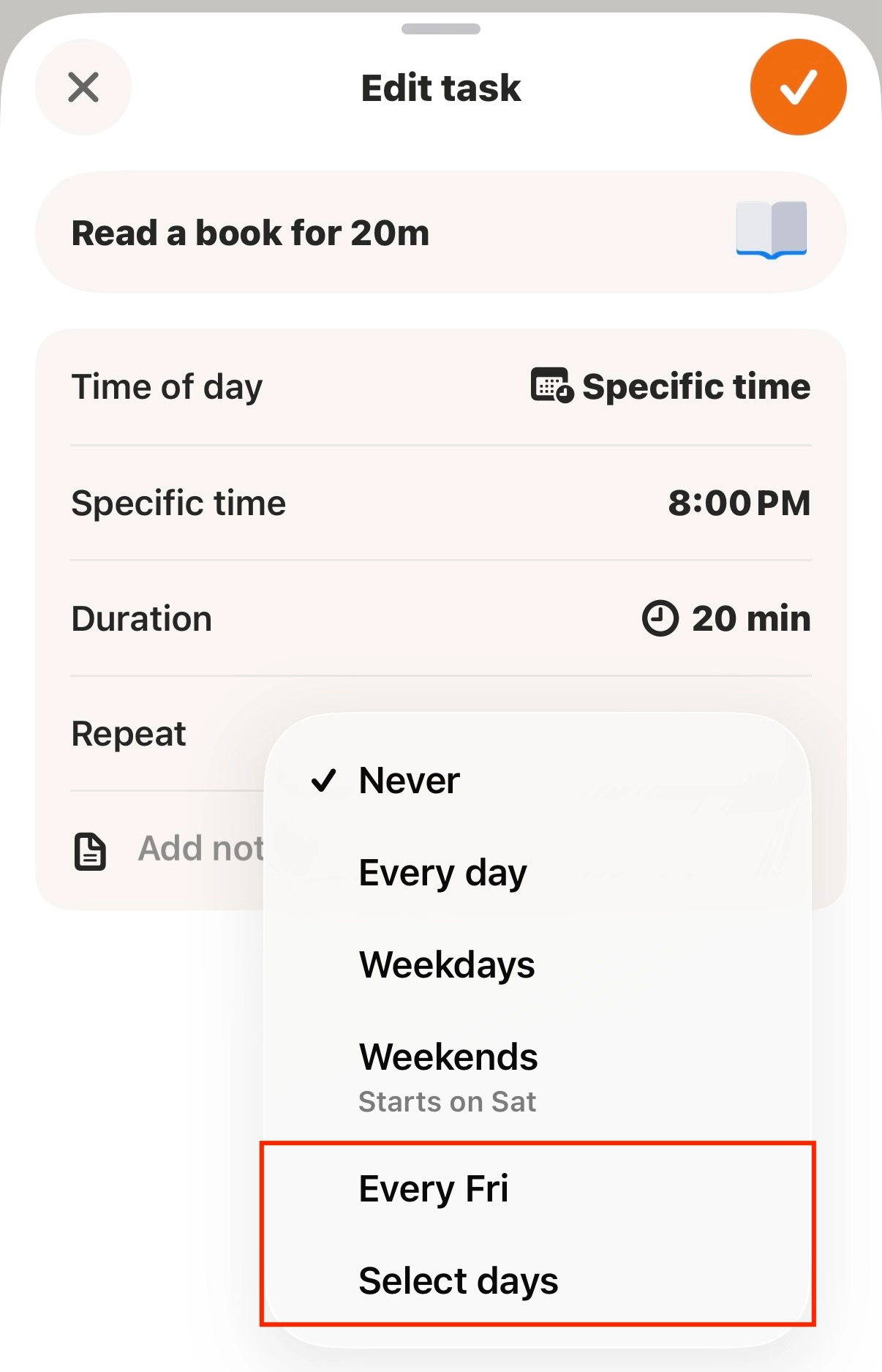
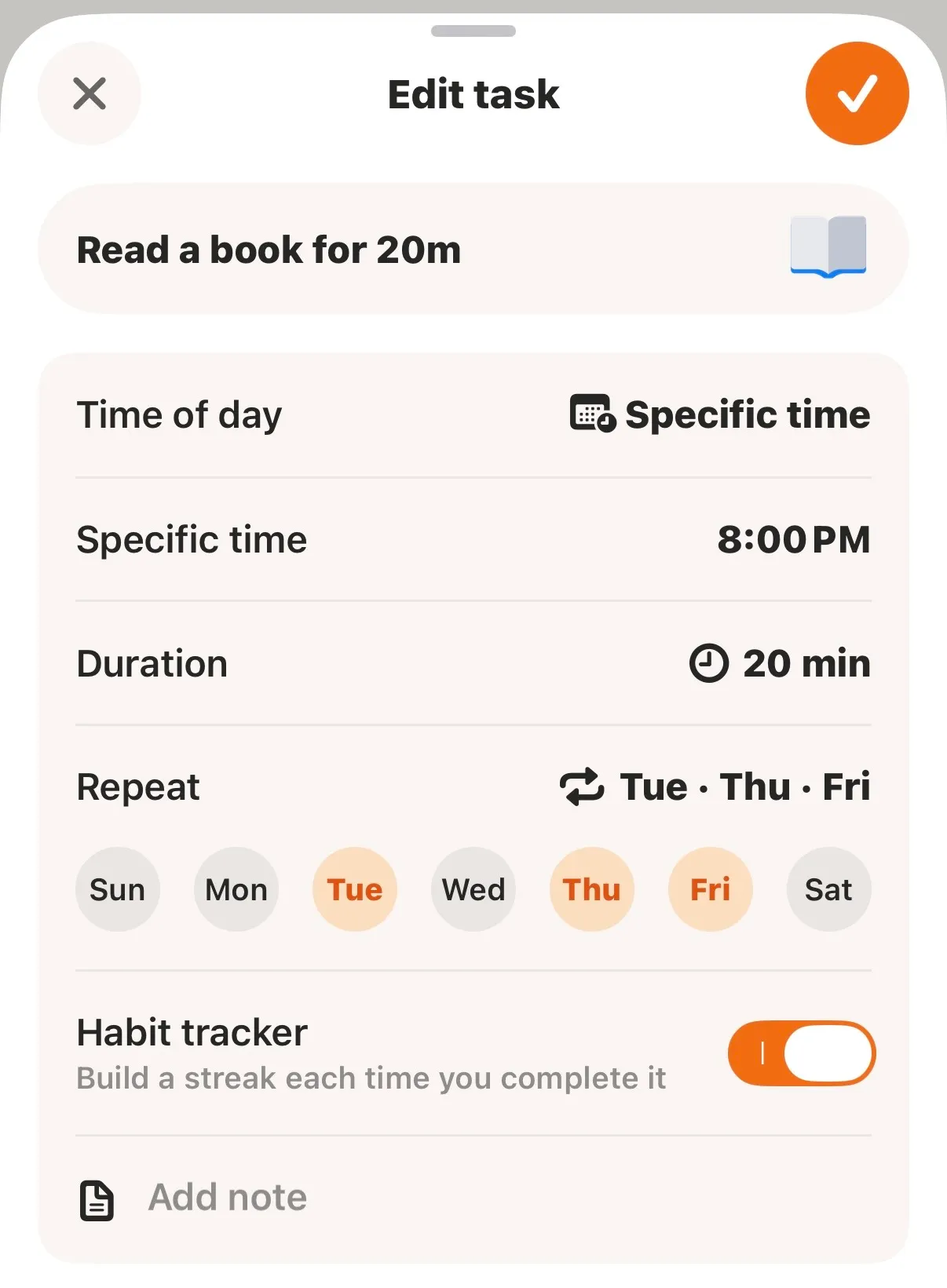
You can now repeat a to-do not just daily, on weekdays, or on weekends — but on any combination of days you choose.
•
Want a to-do to repeat on just one day each week?
Try Every [Day].
•
Need a few different days?
Use Select days to choose multiple days.
Set it once, and it'll repeat automatically on the days you selected.
 Tip
Tip
You can set custom repeat days right
from the repeat option on the Add Task screen.
Check out the MyDay User Guide
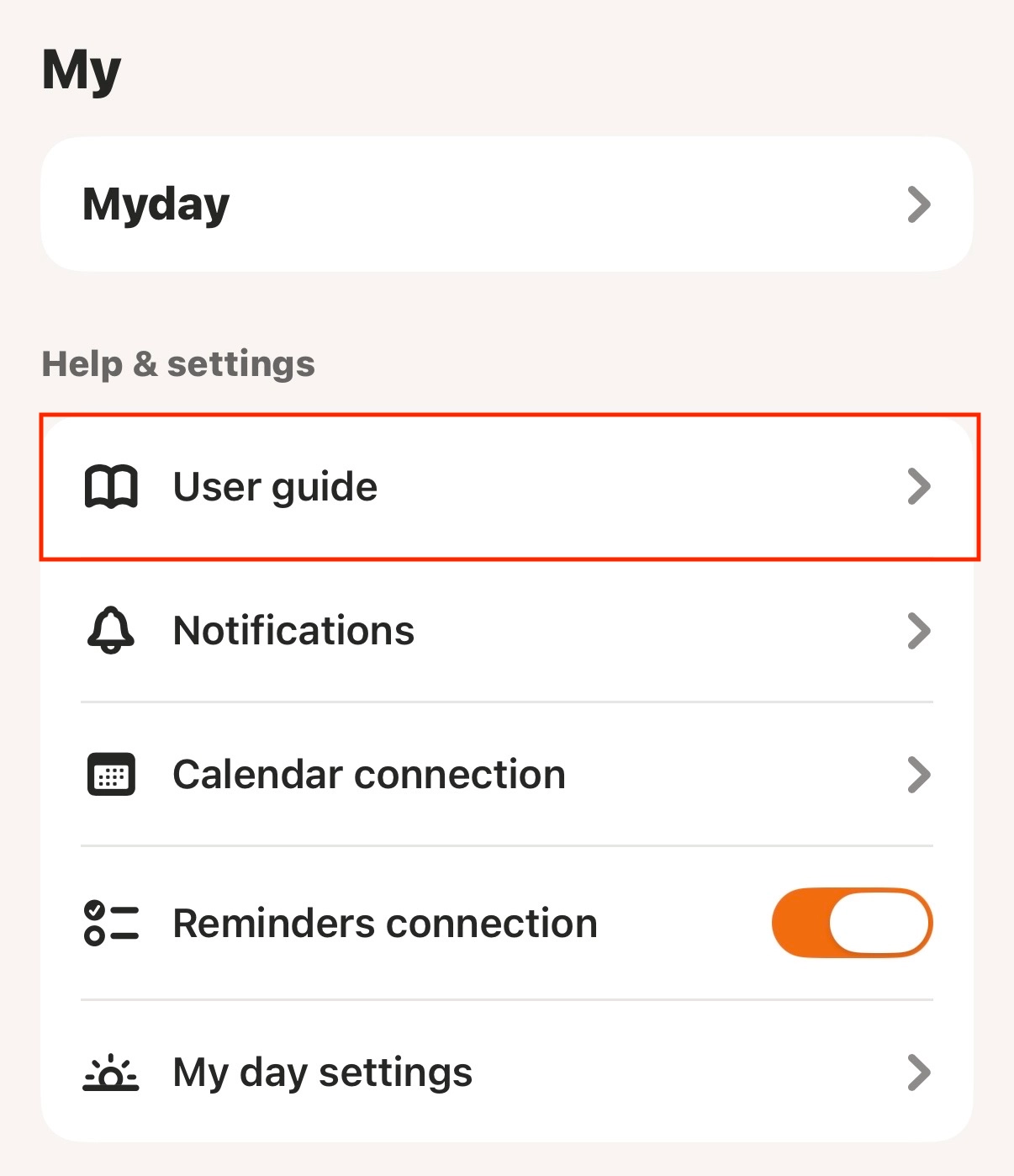
You'll find the MyDay User Guide at the bottom of the app, under My > Help & Settings > User Guide.
From must-know features to hidden tips,
it covers everything about MyDay!
Tip
You'll see a red dot on the My tab whenever MyDay gets an update!
You can check the details anytime under My > Other > Version.

Other updates
 English support has arrived
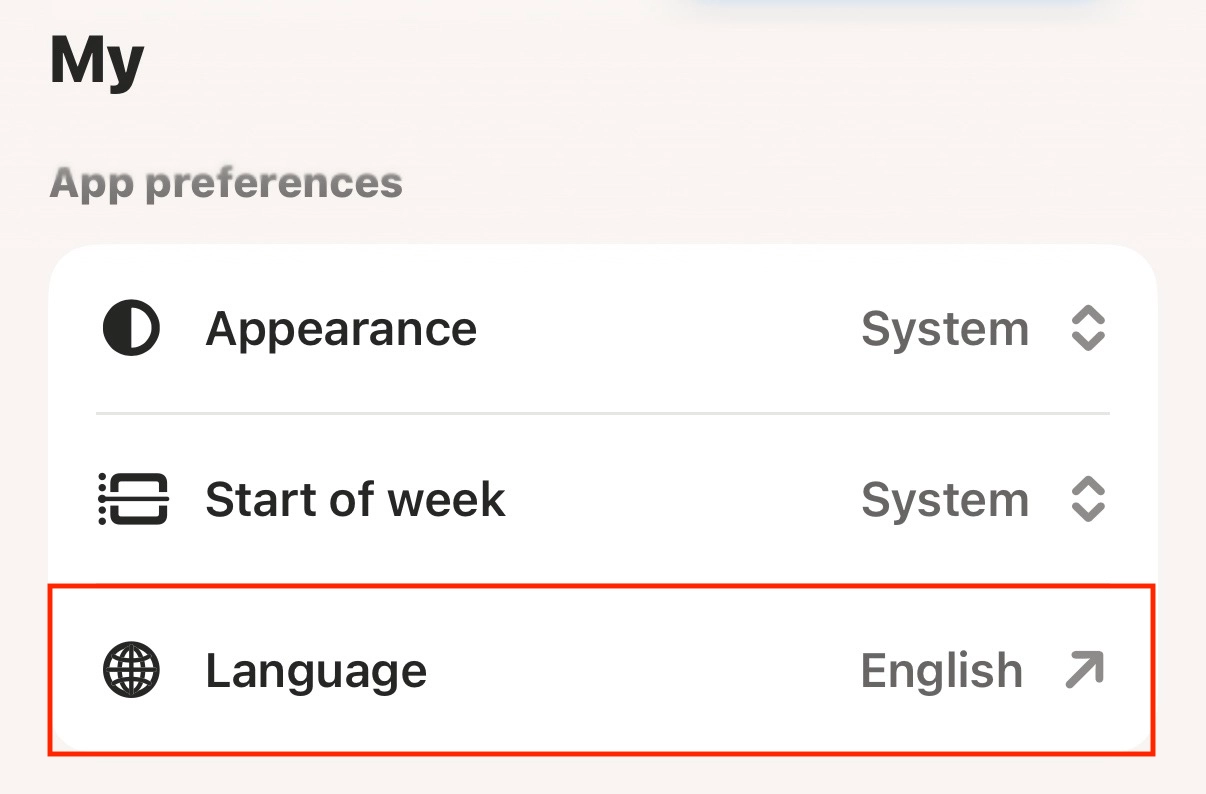
MyDay now supports English!
You can switch your language anytime under My > App Preferences > Language.
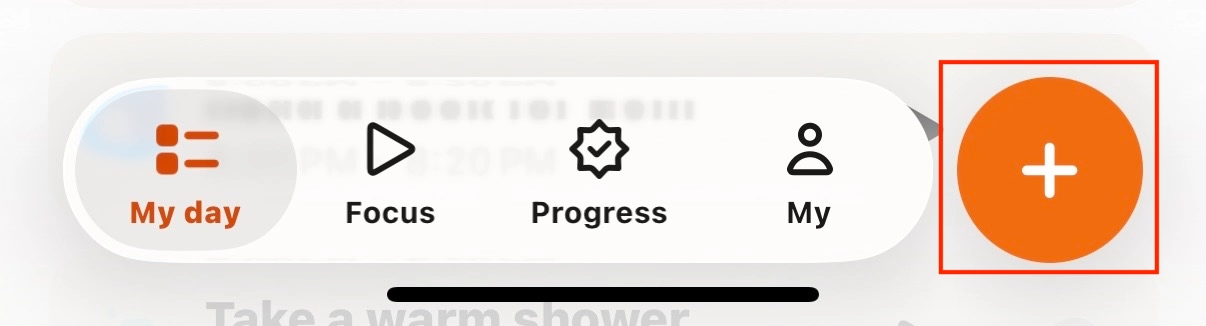
Add a to-do right from the bottom tab bar
We added a quick-add button to the tab bar so you can add to-dos even faster.
 Check out the MyDay User Guide